
SIMPLE · FASTER · ONLINE
All your images.All your tools.Simply.
Retouch, convert, resize, and optimize your images
directly in your browser. Free, fast, and secure.

53
online tools
100%
no installation needed
Free
to get started
Secure
your files stay private
IMAGE TOOLS
The image tools
the most used.
Compress an imageShrink your photo file sizeResizeChange an image's sizeConvert an imageJPG, PNG, WEBP, HEIC…Cut into a gridCreate mosaic postsBlur an areaHide a face or license plateCropAdjust the framingRotate an imageTurn a photo the right way upEnhance a photoLight, contrast, sharpnessApply filtersA style in one clickWatermark on photoProtect your imagesCreate a collageCombine multiple photosSign an imageAdd your signature
CATEGORIES
A tool for
every need.
Powerful, easy-to-use tools for your photos
images: compress, convert, crop, blur, and more.
FAST AND EASY
Results
in just a few clicks.
No installation. No account required.
Choose a tool, add your file,
and it's ready.
JPG
PNG
WEBP
GIF
HEIC
…
WHAT MAKES THE DIFFERENCE
100 %
In the browser
53
Image tools
0
File uploaded
0 €
No sign-up required
THE IMAGE EDITOR
Open, retouch, export.
All in one place.
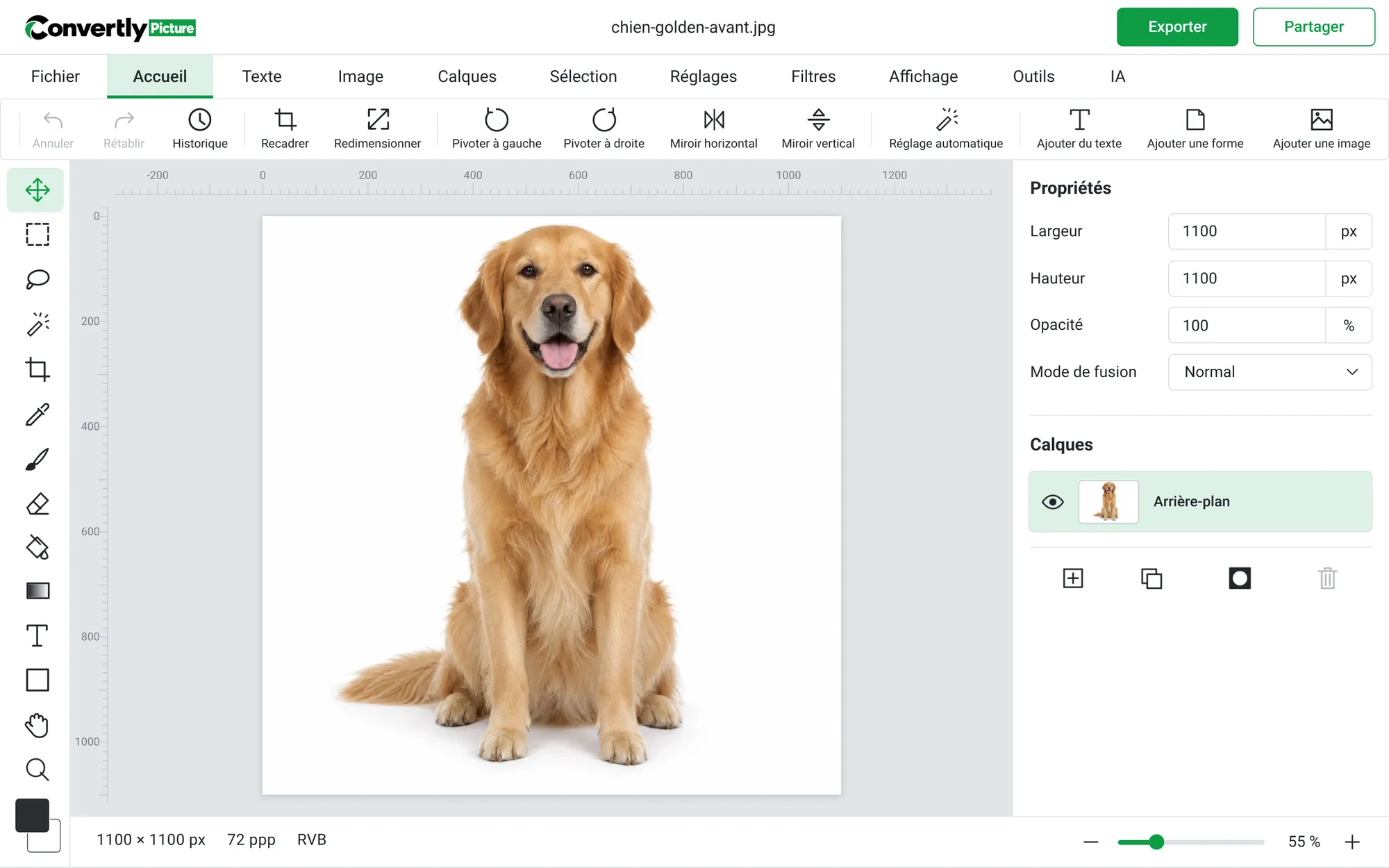
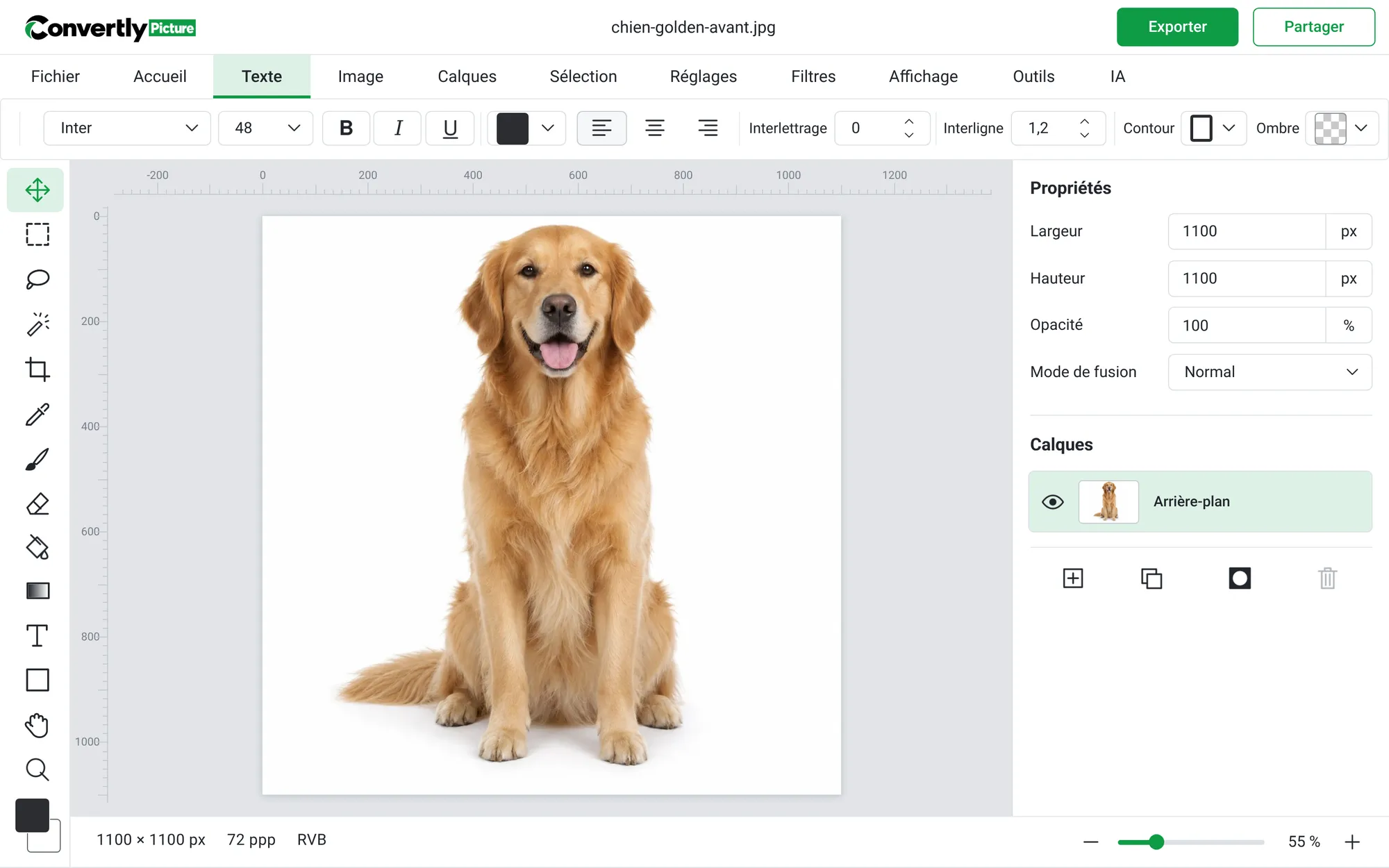
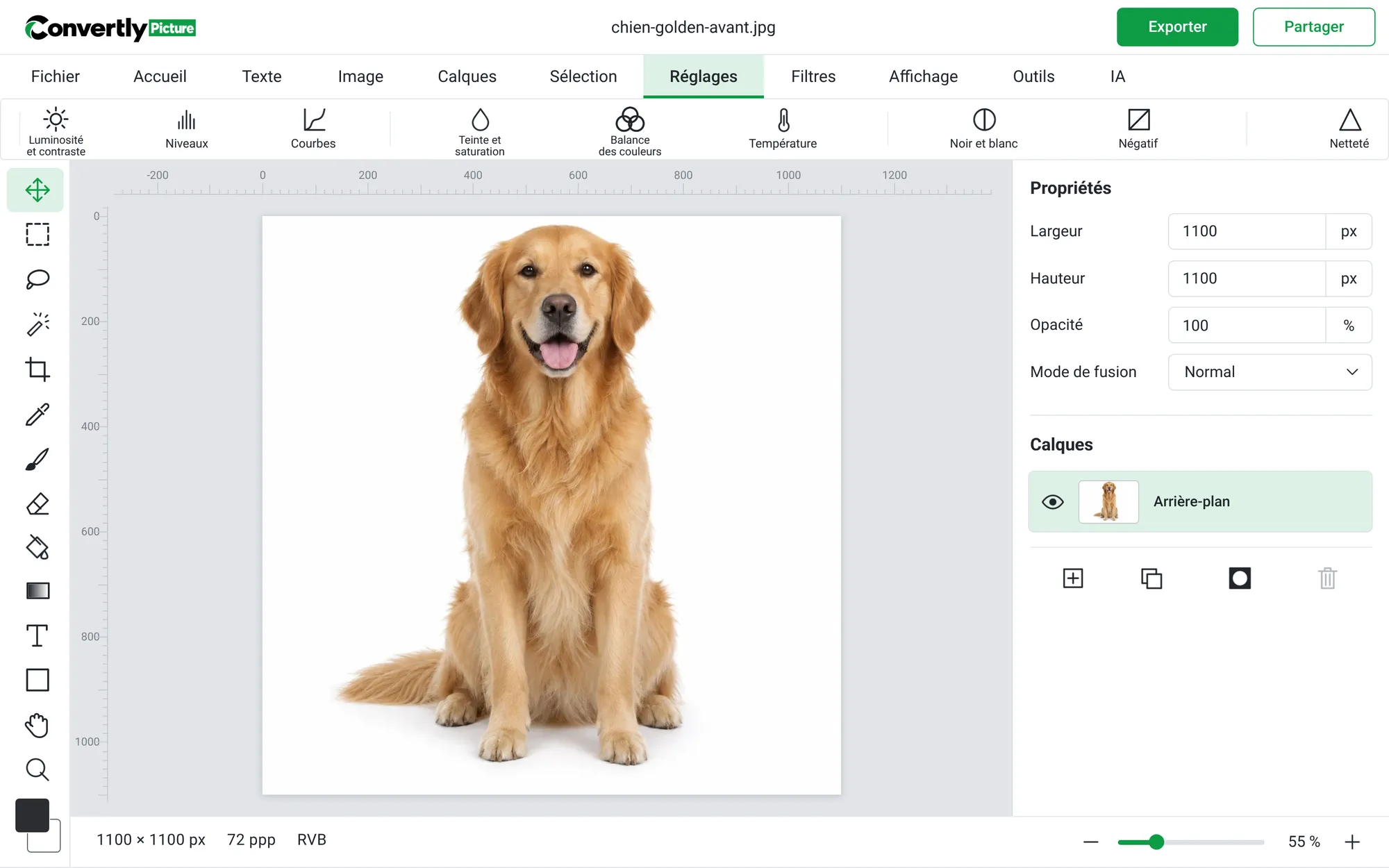
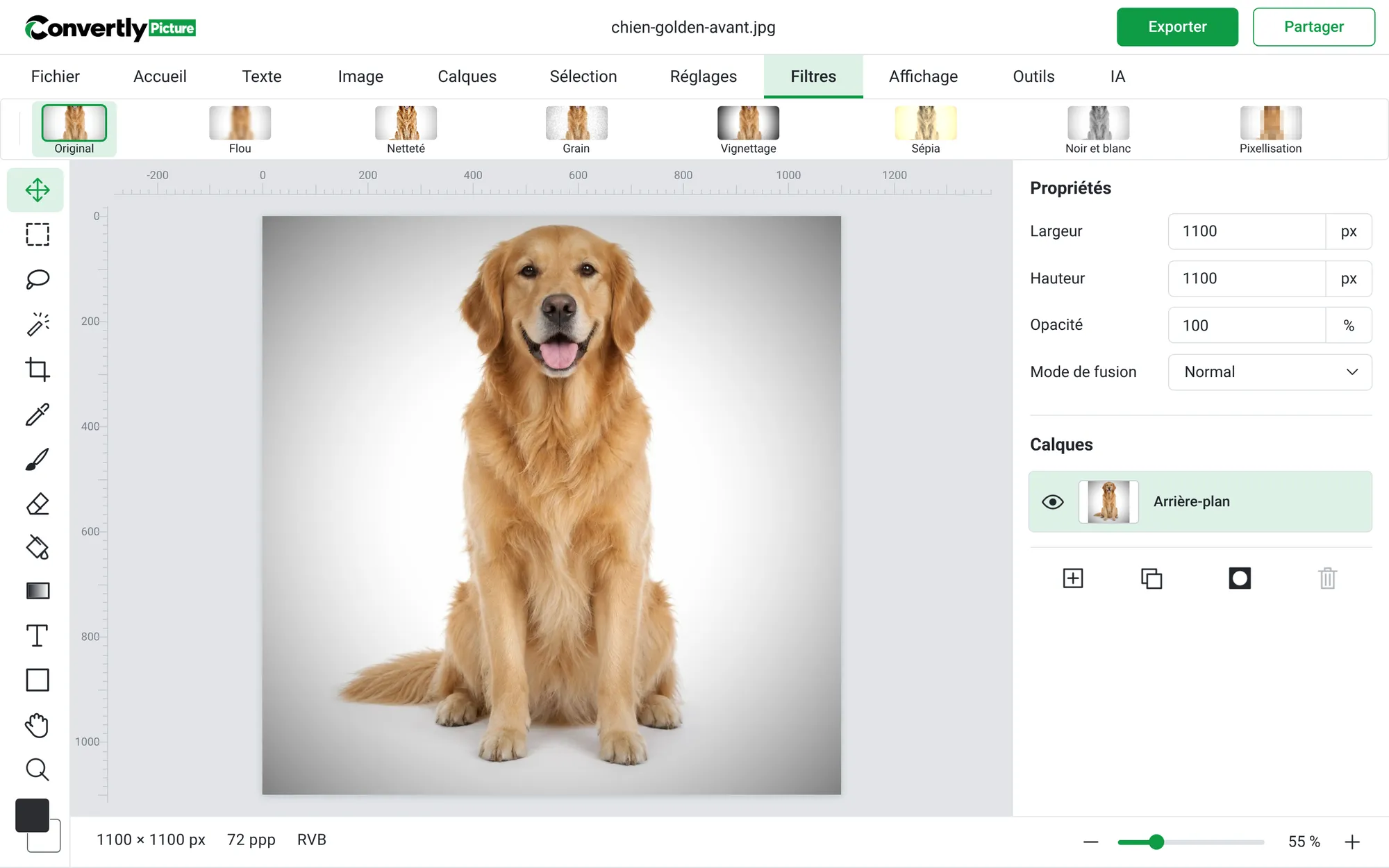
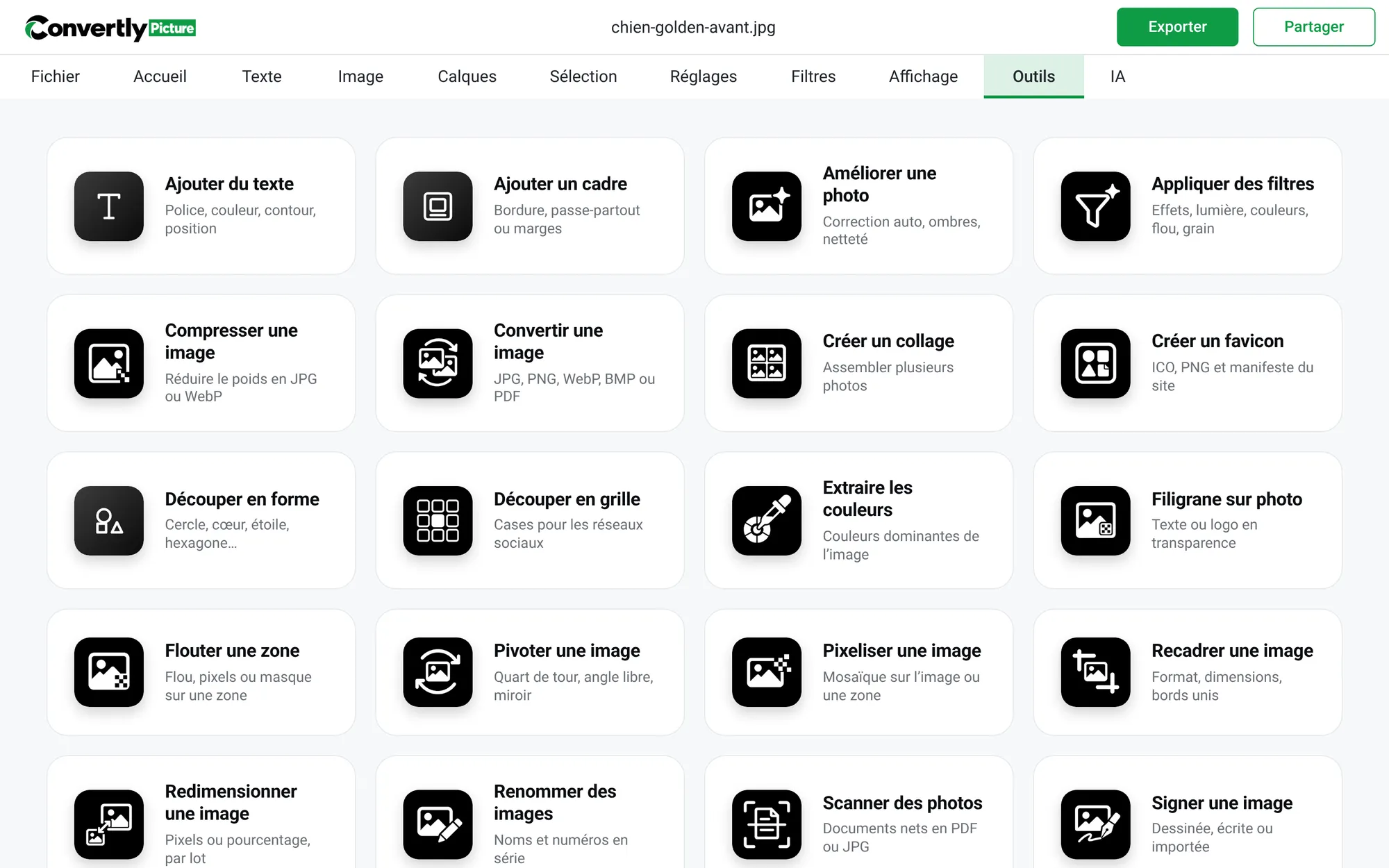
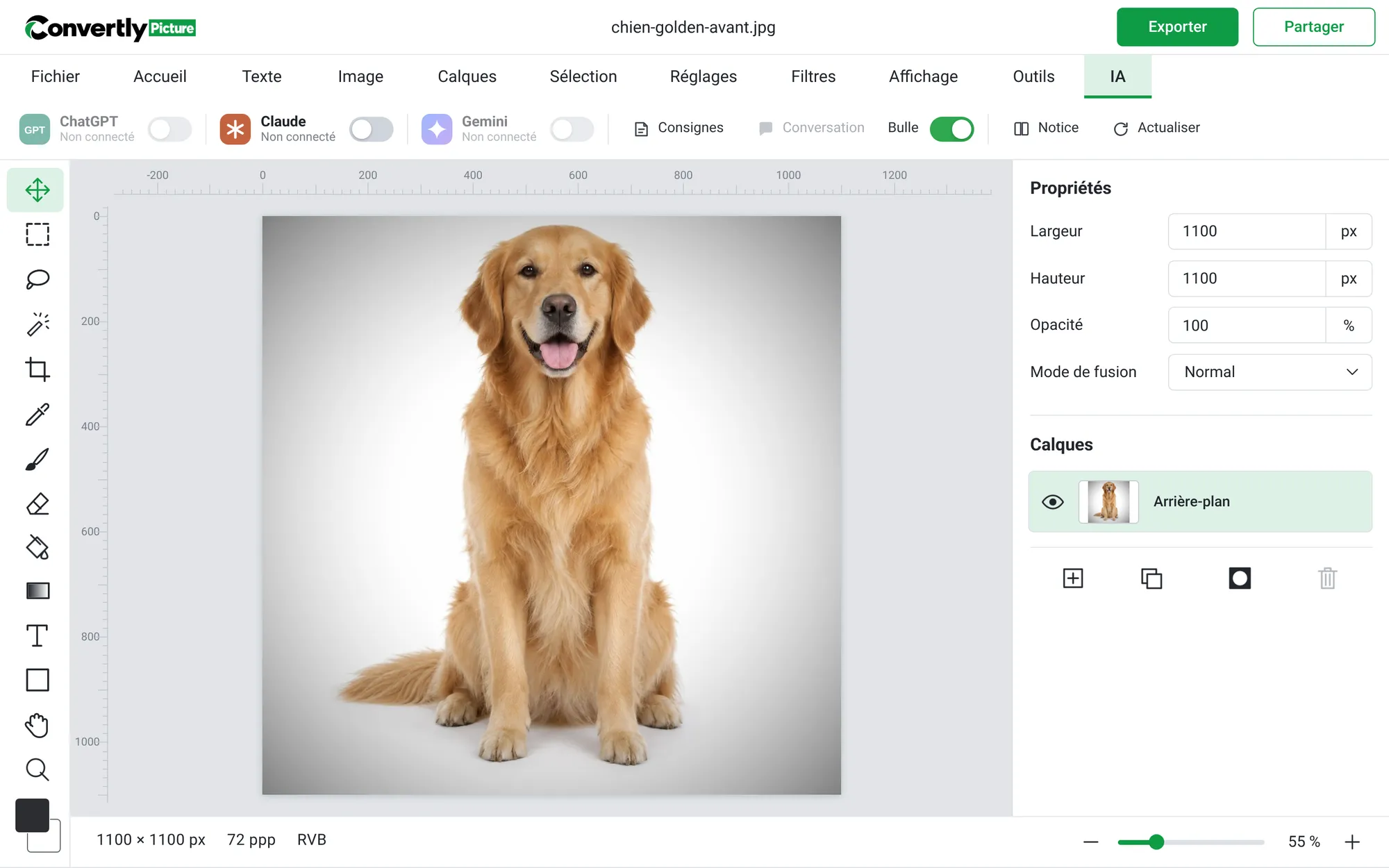
Crop, resize, rotate or flip your photo, and apply an auto-adjustment in one click.
THE CONVERTLY FAMILY
Your other files
too.

 Convertly PDF49 toolsCompress, merge, split, convert, sign and protect your PDFs.convertly-pdf.com

 Convertly Docs36 toolsCompress, merge, convert, sign and protect your Word documents.convertlydocs.com

 Convertly Video24 toolsCompress, trim, convert, join and edit your videos.convertlyvideo.com

 Convertly Audio22 toolsConvert, trim, merge, normalize and edit your audio files.convertlyaudio.com

 Convertly Slide45 toolsConvert, merge, split and compress your PowerPoint presentations.convertlyslide.com

 Convertly Sheets43 toolsConvert, clean, merge and analyze your Excel and CSV files.convertlysheets.com

 Convertly Texte30 toolsCount, transform, clean and analyze your text.convertlytext.com

 Convertly Colors53 toolsGenerate palettes, convert colors, check WCAG contrast and much more.convertlycolors.com

 Convertly Epub32 toolsSplit, format, correct and export your EPUB books.